Less manual work Lower business process costs
We rethink existing processes, remove unnecessary steps, and automate everything the system can perform reliably. Human involvement remains only where it genuinely adds value.
What should have been automated in your business long ago
Manual operations often remain not because they are necessary, but simply because the process has always been done that way.
The question is no longer whether it can be automated. The real question is why it is still being done manually.
Data is transferred between systems manually
An employee copies information from emails, spreadsheets, or one service into another.
Documents are read and checked manually
Data is extracted from documents manually, document types are identified, terms are checked, and routine decisions are made by people.
Recurring reports and metrics are prepared manually
Data is exported from CRM, ERP, databases, and spreadsheets, then metrics are consolidated and reports rebuilt manually each time.
CRM and ERP require constant repetitive actions
Create a record, change a status, check a field, send a notification, move data.
Online information is searched and analyzed manually
An employee reviews websites and documents, finds the required information, verifies sources, matches data, and prepares the result.
Employees search company knowledge manually
Information is scattered across files, emails, chats, and glossaries. Employees spend time searching and often do not even know where the right document or answer is.
If a process can be performed automatically while the company keeps paying for manual execution — those are already unnecessary recurring operating costs.
Examples of business process automation
Practical examples where manual work, fragmented data, and routine actions can be replaced with automated processes.
Business processes and operations
We rethink the entire process: remove unnecessary steps, automate repetitive actions, and leave people only the tasks where their involvement is genuinely necessary.
- automation of manual and repetitive operations;
- routing of tasks, checks, and approvals;
- automated actions across systems and employees;
- human involvement only in exceptional cases.
Documents, glossaries, and unstructured data
We automate document workflows and turn fragmented corporate knowledge into a simple, unified, accessible system.
- processing PDFs, contracts, emails, and other documents;
- data recognition, extraction, and classification;
- building a corporate Knowledge Base;
- intelligent search and an AI assistant for company data.
Speech, communications, and AI coaching
We turn conversations, calls, and meetings into structured data, insights, and concrete actions.
- transcription of calls, meetings, audio, and video;
- analysis of conversations and communication quality;
- summaries, recommendations, and tracking of agreements;
- AI coaching and personalized recommendations for employees.
Data, analytics, and forecasting
We combine data from different sources and turn it into metrics, forecasts, and a foundation for management decisions.
- automated reports and analytical dashboards;
- data collection, integration, and quality control;
- forecasting, segmentation, anomaly detection, and metrics;
- experiments, A/B testing, and specialized analytics.
CRM, ERP, and custom business systems
We automate existing systems or build custom ones around the company’s requirements.
- CRM and ERP automation and integration;
- custom CRM, ERP, and internal systems;
- Odoo Community and specialized modules;
- customer portals, internal services, and APIs.
Internet, Telegram, and external resources
We automate information search and the actions employees currently perform manually on websites and external services.
- online search, collection, and analysis of information;
- automated work with websites and forms;
- monitoring suppliers, prices, competitors, and markets;
- Telegram bots, Mini Apps, and automated workflows.
Generative AI systems
We build automated workflows in which AI creates text, images, documents, and other materials, the output passes required automated checks, and is delivered to its destination without manual assembly.
- automated generation of text and images;
- preparation of documents, reports, and publications;
- personalization of materials for a task or customer;
- automated multi-stage AI workflows.
Process first Technology second
We do not start by choosing an AI model, CRM, or software product. We start with the business process itself: which actions are truly necessary, which can be removed, and which are more efficient to automate.
Remove what is unnecessary
Automating an unnecessary step makes no sense. We first eliminate actions that create no value and exist only because the process evolved that way.
- duplicate actions and data;
- unnecessary approvals and handoffs;
- unnecessary intermediate steps;
- operations that do not affect the outcome.
Give the system everything it can do reliably
Data, documents, checks, search, calculations, actions in corporate systems, and other repetitive operations should run automatically whenever human involvement is not required.
- data and document processing;
- search, analysis, and routine decisions;
- actions in CRM, ERP, and other systems;
- control, routing, and triggering of next steps.
Keep people where they are genuinely needed
People are involved not out of habit, but where their participation genuinely adds value or is required by the nature of the task.
- accountability and consequential decisions;
- negotiations and trust-based communication;
- informal or difficult-to-formalize context;
- genuinely non-standard situations.
We do not ask what can be delegated to AI. We ask what still makes sense to leave to people at all.
How it works in practice
Not a standalone AI feature, but an end-to-end process — from incoming data to a completed action, document, or management decision.
Analysis of customer conversations
Call and meeting recordings are reviewed selectively, quality is assessed manually, and a significant part of the information from conversations is lost.
The system transcribes the conversation, analyzes the content, captures agreements, evaluates defined parameters, and generates recommendations for the employee.
Information search and website automation
An employee manually searches for companies, products, suppliers, or other information, opens dozens of websites, verifies data, and transfers the results into a spreadsheet.
The system performs the search, analyzes sources, collects and matches data, works with website forms, and produces the final file or report.
Corporate Knowledge Base
Documents, instructions, and accumulated knowledge are scattered across folders, emails, and systems. Employees do not always know whether the required information exists or where to find it.
Corporate materials are brought together in a Knowledge Base. The system understands document content, finds relevant information, and answers employees’ questions.
Automated content workflow
A person searches for materials, selects the best ones, prepares the text and image, reviews the result, and publishes it manually in the target channel.
A single workflow collects data, evaluates materials, generates text and images, performs automated review, and passes the result on for publication.
Semantically identical data is named differently, with no unified nomenclature
In CRM, ERP, Excel, and other sources, the same entity may be described in completely different words. There is no common text key, and ordinary string comparison cannot reliably determine that the records mean the same thing.
Employees manually match rows across spreadsheets and systems, trying to determine which different descriptions refer to the same catalog item or entity.
The system compares not only how strings are written, but what they mean. Semantically similar records from CRM, Excel, ERP, and other sources are automatically linked to a single entity and assigned a unified ID.
We automate not a single action, but the entire chain wherever it is economically and technically justified.
Technology is selected for the task
AI, software, data, and infrastructure are parts of one system. We use the stack that enables reliable automation and sensible production operation.
AI and machine learning
Backend and automation
Data
Business systems and integrations
Web and interfaces
Infrastructure
We do not sell a particular technology. We select the architecture and tools around the economics, requirements, and constraints of the specific process.
Business data stays under business control
We design the system architecture around requirements for personal data, internal documents, access control, and the use of external AI services.
Sensitive information stays within the environment defined for it
The system defines where and how data is processed
Only what is genuinely necessary is sent outside
Personal and sensitive data
We determine which data may move between systems, which must remain inside the controlled environment, and where additional protection is required.
Access control
We separate permissions for users and services, restrict access to data, and, where necessary, log system and employee actions.
Cloud / On-premise / dual environment
The architecture can use cloud services, local infrastructure, or split the system into external and protected internal environments.
Controlled use of AI
We send only the necessary data to external AI services. Where required, we use de-identification, local processing, or local models.
Architecture is determined by business, data, and security requirements — not the other way around.
Major news from the world of artificial intelligence

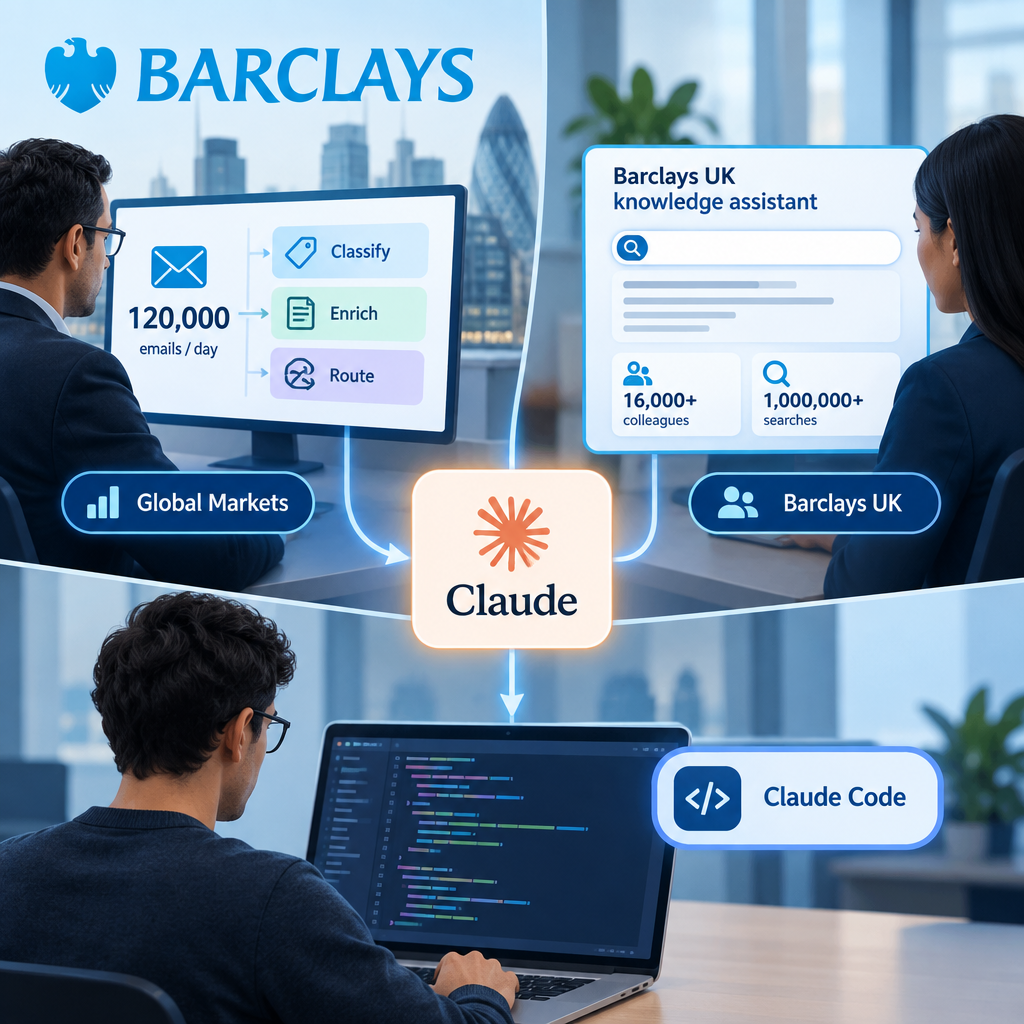
Barclays expands Claude across banking operations
According to Anthropic, Barclays is expanding its use of Claude in software development, employee information retrieval, and client-request handling. In Global Markets, models help process incoming emails by classifying them, adding information about the request, and selecting a processing route. Barclays UK also has a live assistant that retrieves information for colleagues serving customers. Wider adoption of Claude Code among developers is an expected next step, not an achieved rollout.
Read analysis →
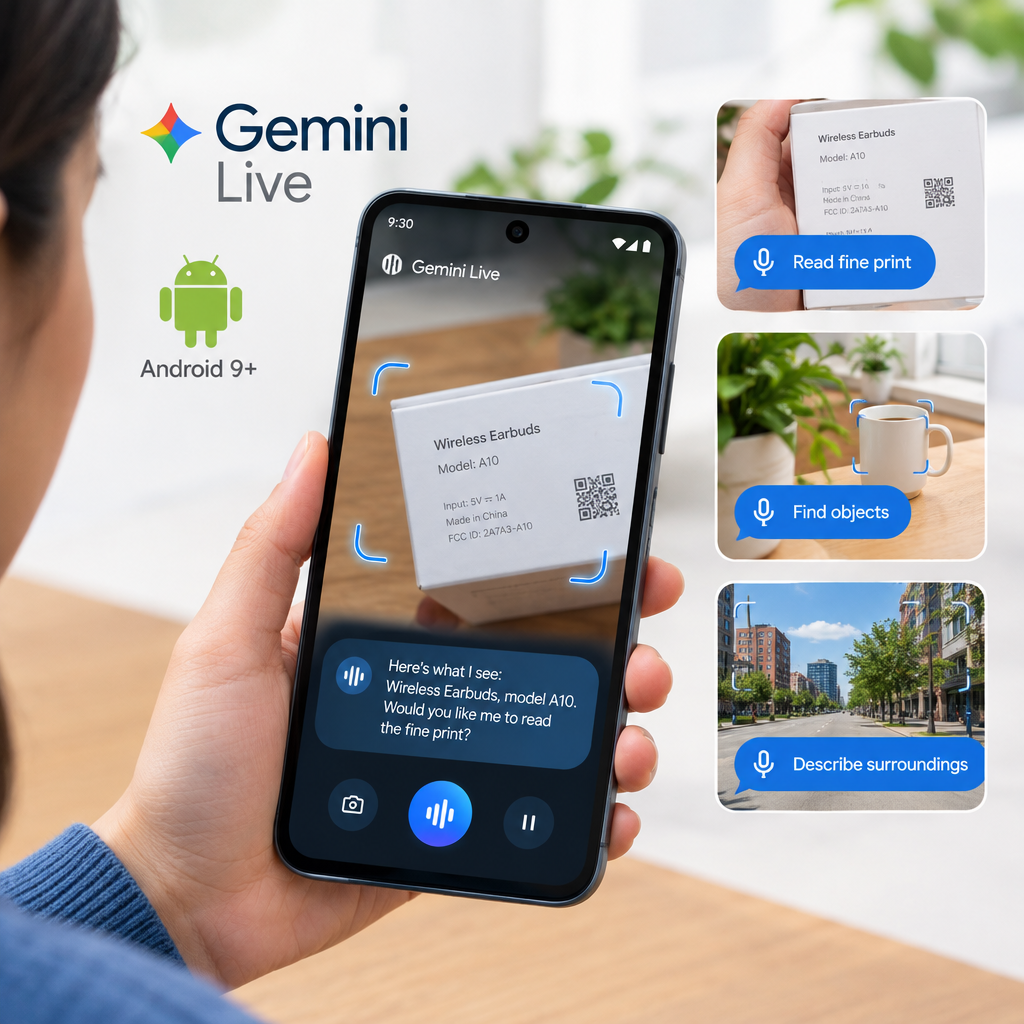
Google launches Guided Vision in Gemini Live for Android
Google has launched Guided Vision for compatible Android devices. With the feature on, a person can share their camera during a Gemini Live conversation, hear descriptions, ask follow-up questions, and receive spoken prompts to adjust the camera for a clearer view. Google’s examples include reading fine print, finding objects, and describing nearby surroundings. Availability depends on more than the device: Gemini Live must also be supported in the user’s region and language.
Read analysis →
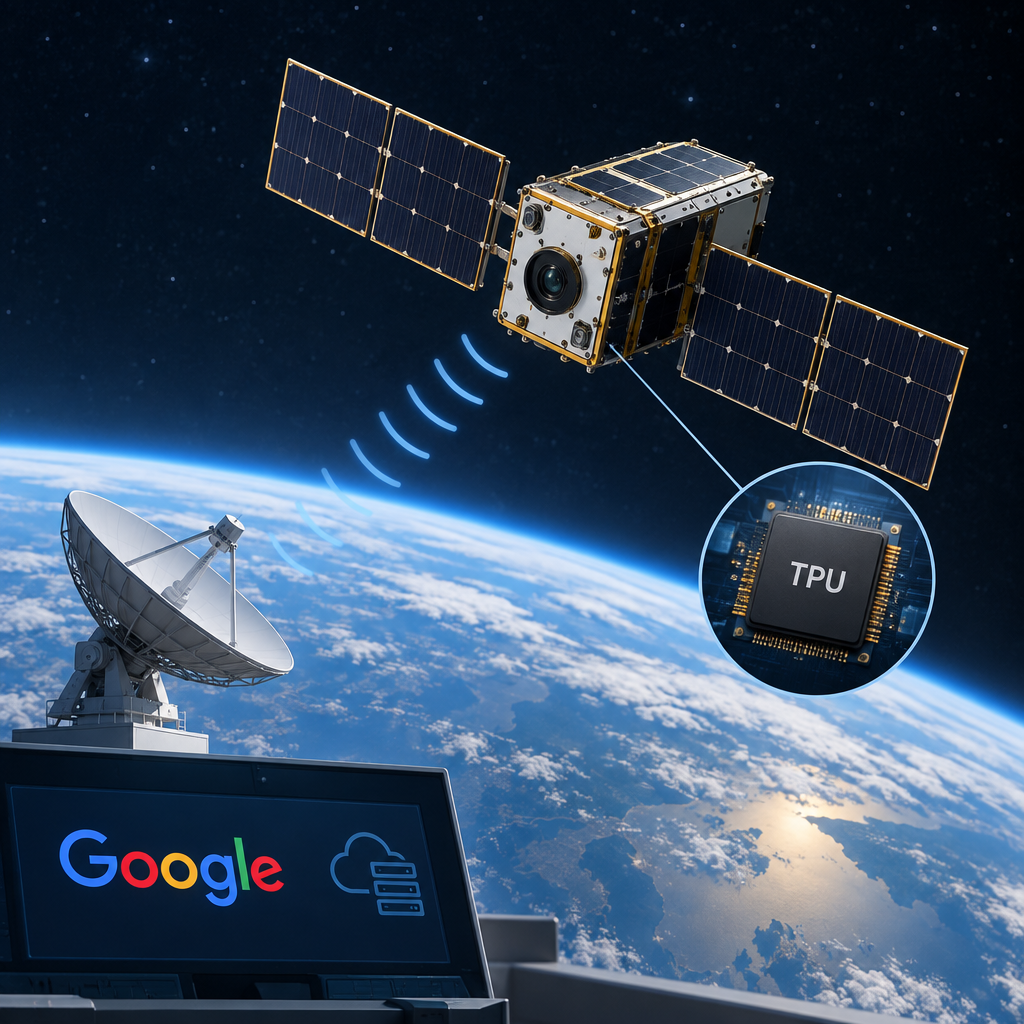
Google’s Project Suncatcher prototype satellite reaches orbit
Google reports that a Project Suncatcher prototype satellite, built with Planet, reached orbit on SpaceX’s Transporter-18 mission. The company says it has established contact and the satellite is operating as expected. The next step is to gather data on how Google’s tensor processing units, or TPUs, used for machine-learning workloads, withstand the stresses of spaceflight. The launch announcement does not yet contain results from those tests.
Read analysis →Do you still have a manual process?
Show us how it works today. We will break down the steps, identify unnecessary operations, and determine what should be removed, automated, or left to people.
Tell us briefly about the task or process you want to automate.
Discuss a projectNo technical specification is required. Just show us what is currently being done manually.